

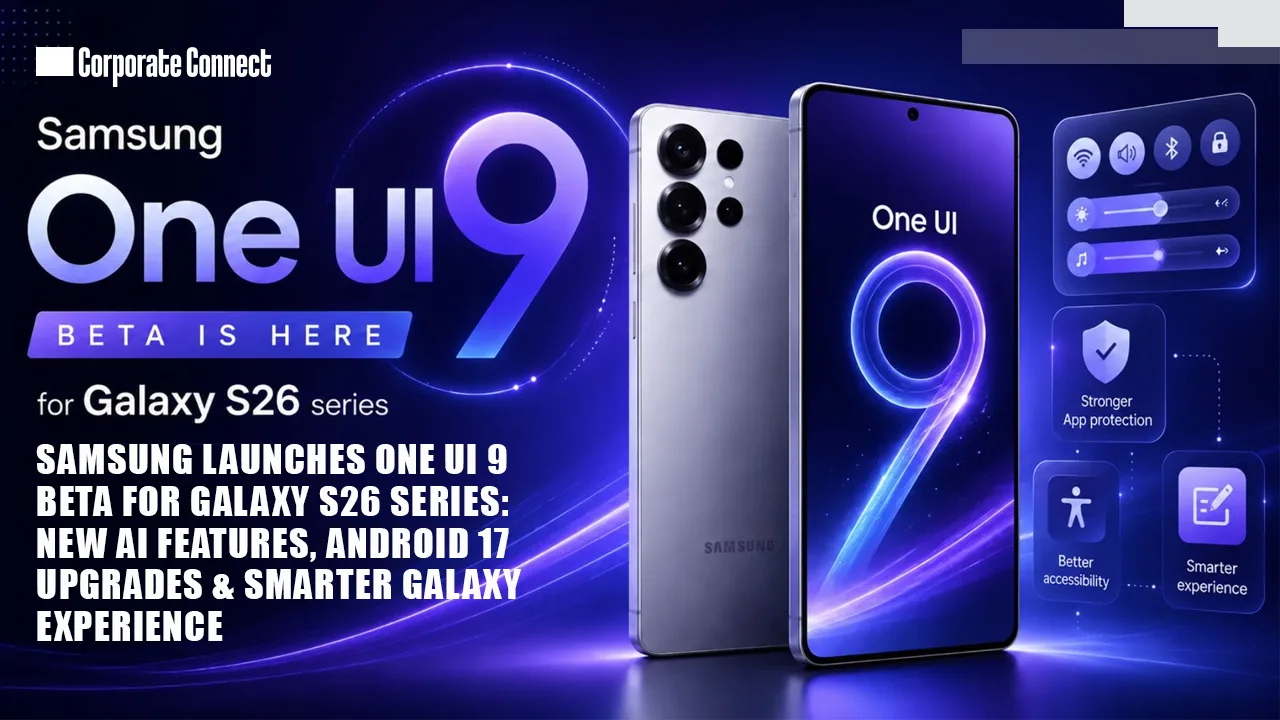
Samsung has officially unveiled the One UI 9 beta program for the Galaxy S26 series, marking one of the company’s biggest software upgrades in recent years. Built on Google’s Android 17 platform, the latest One UI version introduces a refreshed design language, deeper artificial intelligence integration, stronger privacy tools, improved accessibility features, and enhanced customization options aimed at delivering a more personalized Galaxy smartphone experience.
The beta rollout is currently available for the Galaxy S26, Galaxy S26+, and Galaxy S26 Ultra in select regions, allowing early adopters to test upcoming features before the stable public release later this year. The launch reflects Samsung’s aggressive software strategy as competition intensifies in the premium smartphone market.
According to Samsung, One UI 9 focuses on making smartphones “more adaptive, intuitive, and intelligent,” with several new AI-driven tools integrated across the operating system. The update also improves performance optimization, multitasking, gaming controls, and security systems.
One UI 9 Beta Rollout Begins Globally
Samsung confirmed that the One UI 9 beta program has started in multiple countries, including:
- South Korea
- United States
- United Kingdom
- Germany
- India
- Poland
Users with eligible Galaxy S26 devices can enroll in the beta through the Samsung Members app. After registration, the update becomes available through the Software Update menu in Settings.
Industry insiders report that the initial beta package is approximately 3.5GB to 4GB in size, depending on the device model and region. The update also includes the latest Android security patch for May 2026.
Samsung’s faster rollout timeline suggests the company is continuing its push to become one of the quickest Android manufacturers in delivering major OS upgrades. Over the past few years, Samsung has significantly improved software support for Galaxy devices, often releasing updates ahead of many competitors.
One UI 9 Brings Major Visual Redesign
One of the most noticeable changes in One UI 9 is the refined visual interface. Samsung has introduced smoother animations, cleaner icons, improved widget layouts, and redesigned system menus to create a more modern and fluid user experience.
Redesigned Quick Panel
The Quick Settings panel has received one of the largest redesigns in recent years. Users can now:
- Resize brightness and volume sliders
- Customize media playback controls
- Separate Wi-Fi and Bluetooth controls
- Access device management tools faster
- Personalize layout sections
Samsung says the redesign was inspired by user feedback requesting easier access to commonly used controls.
The notification panel also features updated transparency effects and dynamic animations, making interactions feel smoother and more responsive.
AI Features Become the Core of One UI 9
Artificial intelligence is now deeply integrated into Samsung’s ecosystem, and One UI 9 expands Galaxy AI capabilities significantly.
AI Writing Assistant
Samsung has added a system-wide AI writing assistant that can
- Rewrite text messages
- Summarize notes
- Correct grammar
- Generate email drafts
- Change writing tone
The feature works across Samsung apps and selected third-party applications.
AI Voice Summaries
A new AI voice summarization tool can automatically create quick summaries of long voice recordings, meetings, and lectures. Samsung says this feature is designed for professionals and students who frequently use voice memos.
Smart Gallery Editing
Samsung’s Gallery app now includes upgraded AI editing tools that can:
- Remove unwanted background objects
- Improve blurry images
- Generate portrait lighting effects
- Enhance night photography
- Automatically organize photos by events
These AI-powered editing tools aim to compete directly with Google’s AI photo features and Apple’s growing intelligence ecosystem.
Better Productivity and Multitasking Features
Samsung continues to position Galaxy smartphones as productivity-focused devices, especially for business users and creators.
Advanced Split Screen Controls
One UI 9 introduces more flexible split-screen multitasking with improved drag-and-drop support. Users can now resize app windows more easily and save app pair combinations for quick access later.
Samsung Notes Upgrades
Samsung Notes has received several new features, including:
- Decorative tape effects
- New handwriting tools
- AI-generated summaries
- Smart formatting options
- Expanded PDF editing support
The app now integrates more deeply with Samsung’s AI tools, allowing users to organize notes automatically.
Improved DeX Experience
Samsung DeX also receives upgrades with smoother wireless performance, faster app switching, and enhanced external monitor support. Reports suggest Samsung is preparing DeX for future AI-focused workflows and productivity tools.
One UI 9 Focuses Heavily on Gaming
Samsung has improved Game Booster and gaming optimization tools in One UI 9.
New gaming features include:
- Real-time FPS monitoring
- Faster GPU optimization
- Custom gaming profiles
- Better thermal management
- Reduced background resource usage
Players can now access gaming controls without exiting gameplay, making the experience more seamless.
Samsung has also optimized One UI 9 for ray tracing-supported mobile games and high-refresh-rate displays available on the Galaxy S26 Ultra.
Accessibility Improvements in One UI 9
Samsung has added several accessibility-focused upgrades aimed at making Galaxy devices easier to use for all users.
Key Accessibility Features
- Adjustable Mouse Key speed
- Enhanced TalkBack support
- Improved text readability tools
- Larger cursor visibility options
- Better hearing assistance controls
- Simplified accessibility shortcuts
A new “Text Spotlight” feature highlights selected reading sections to help users focus more easily while reading long articles or documents.
Samsung says the company worked closely with accessibility communities during development.
Stronger Privacy and Security Features
Security remains a major focus in One UI 9.
Samsung has introduced upgraded app permission controls, better background activity monitoring, and stronger malware detection systems.
New Security Additions
- Real-time suspicious app alerts
- Improved location tracking transparency
- Automatic security recommendations
- Expanded Knox protection features
- Enhanced secure folder encryption
A new blue privacy indicator appears whenever apps use precise location services, camera access, or microphone functions.
Samsung Knox security has also been expanded to better protect sensitive files and business data.
Battery Life and Performance Improvements
Samsung claims One UI 9 delivers better power efficiency through AI-powered battery optimization.
The system can now:
- Learn user charging habits
- Reduce background battery usage
- Optimize app refresh cycles
- Improve standby performance
Galaxy S26 users testing the beta report smoother animations and faster app opening speeds compared to One UI 8.
Samsung has also improved thermal management to prevent overheating during gaming and heavy multitasking sessions.
Eligible Devices for One UI 9 Beta
Currently, the beta program is available for:
- Galaxy S26
- Galaxy S26+
- Galaxy S26 Ultra
Samsung is expected to expand the beta to additional flagship devices in the coming months, including foldable smartphones and select Galaxy tablets.
Possible future eligible devices may include:
- Galaxy Z Fold 8
- Galaxy Z Flip 8
- Galaxy Tab S11 series
How to Install the One UI 9 Beta
Users can join the beta program by following these steps:
- Open the Samsung Members app
- Sign in with a Samsung account
- Tap the One UI 9 Beta Program banner
- Register for the beta program
- Go to Settings > Software Update
- Download and install the update
Samsung recommends backing up important data before installing beta software, as early versions may contain bugs or stability issues.
Stable Release Timeline
Industry reports suggest Samsung could launch the stable version of One UI 9 globally in the second half of 2026. The company is expected to debut the final version alongside its next-generation foldable smartphones.
Samsung may also gradually expand AI subscription services and cloud-powered features inside One UI over the next year.
Samsung Strengthens Its Android Leadership
The launch of One UI 9 demonstrates Samsung’s increasing focus on AI-powered mobile experiences, faster software updates, and ecosystem integration. By combining Android 17 with its own Galaxy AI features, Samsung is positioning the Galaxy S26 series as one of the most advanced Android smartphone lineups available today.
With stronger customization, smarter productivity tools, upgraded security, and deeper AI integration, One UI 9 could become one of Samsung’s most significant software releases in years.
As the beta program expands globally, millions of Galaxy users will be closely watching how Samsung continues to evolve its software ecosystem in the AI era.