
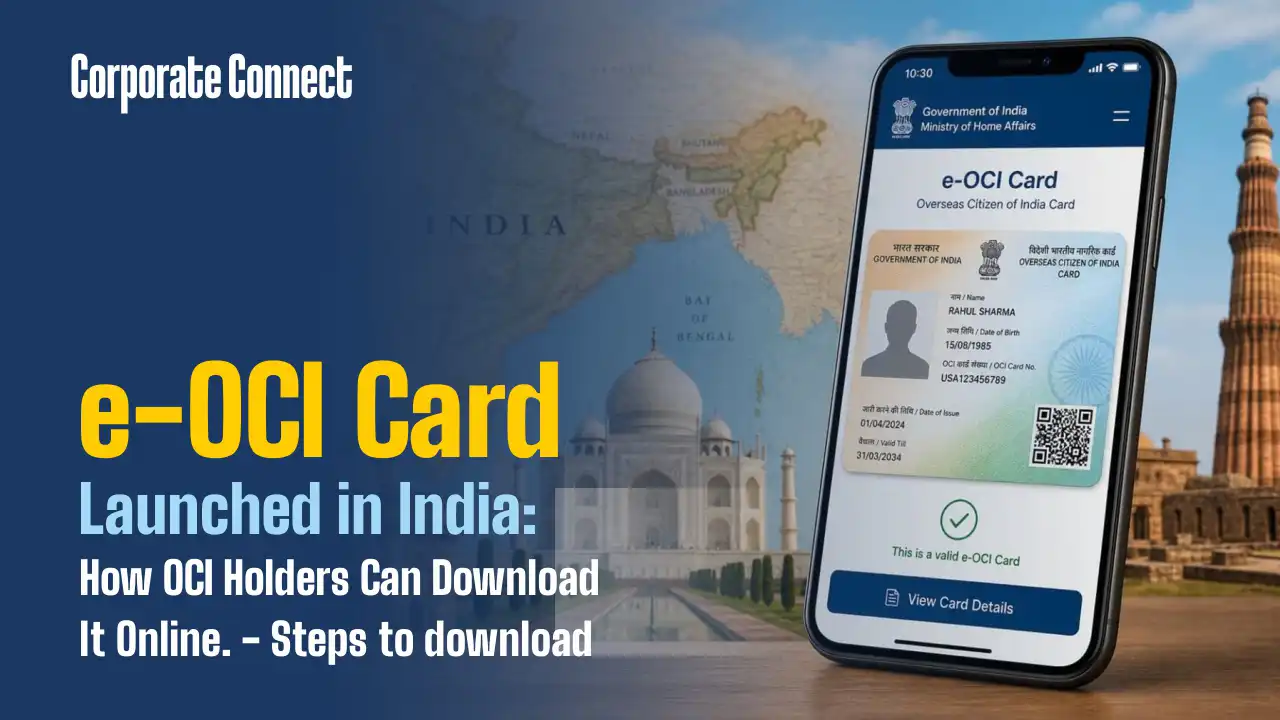
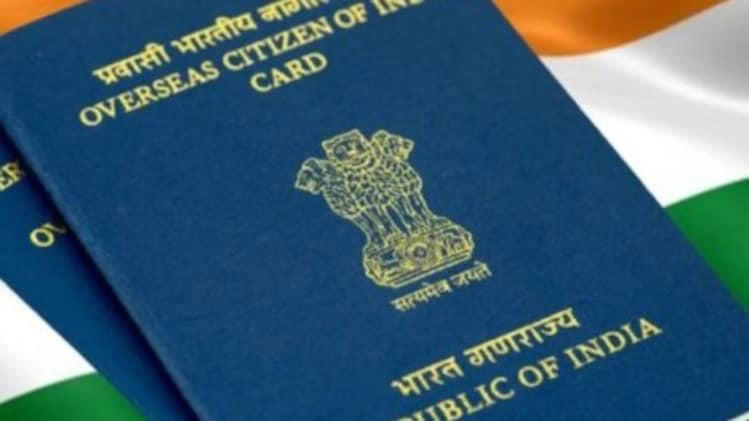
It is no longer necessary for more than 50 lakh Indian overseas citizens to carry a physical OCI booklet. In New Delhi, Union Home Minister Amit Shah introduced the e-OCI Card, a completely digital substitute that enables cardholders to download their OCI credentials on a mobile device and show them to airlines and immigration checkpoints.
Shah also unveiled the FCRA 2.0 Portal, an improved compliance tool for businesses operating under the Foreign Contribution Regulation Act, as part of a larger drive for digital governance.
With the e-OCI card, all of the OCI procedures—including application, document submission, and card download—can be finished online without the need for paper documents. The procedure is simple for current cardholders.
The Government of India’s Bureau of Immigration states, “Excellent News for All OCI Cardholders! The Electronic OCI Card, or e-OCI, is now formally available! Your actual OCI booklet will no longer need to be carried around. You can now download your digital e-OCI card to your phone and show it to airlines and immigration checkpoints.
The removal of the requirement that OCI booklets be reissued each time a cardholder obtains a new passport after turning 20 is one of the most important changes brought about by the new system. The new procedure eliminates a long-standing procedural burden for the diaspora by requiring holders to simply update their passport information online.
Additionally, the digital format expedites identification verification, lowers the possibility of physical documents being lost or damaged, and is anticipated to facilitate easier immigration clearance for OCI cardholders worldwide.
How to download your e-OCI card
The procedures for current cardholders to obtain their digital card have been outlined by the Bureau of Immigration:
- Log in to the OCI Services Portal at ociservices.gov.in using your existing User ID and Password.
- If you have not yet registered, complete the registration using the email address provided during your original OCI application.
- Once logged in, click on the e-OCI tab on the dashboard.
- Your application details will appear, and in the last column, click on Generate e-OCI Card.
- The card will be generated and made available for download.
- Save it to your mobile phone for use at immigration checkpoints and with airlines.
The current physical OCI card is still valid and doesn’t need to be turned in.
The site for FCRA 2.0
The FCRA 2.0 Portal, which was introduced in tandem with the e-OCI card, takes the Foreign Contribution Regulation Act compliance process—including applications, renewals, yearly returns, and other services—online. Aadhaar-based authentication, e-Sign, OCR-based document analysis, and database connectivity with PAN, Aadhaar, OCI, and NGO Darpan are all included.
Nearly 14,500 active FCRA-registered organisations are anticipated to benefit from the updated platform, which will strengthen monitoring of foreign contributions through a totally digital approach and save paperwork.
A specialised web dashboard for banks, an AI-powered chatbot, and an FCRA mobile application are among the other additions that the government has indicated are in the works.